
Japan IC Card Guide for Tourists: Which Card to Buy, Where to Get It and How Refunds Work
Contents
A Japanese IC card lets you pay for many train and bus rides by tapping a card, phone or watch. You can also use the stored balance at participating convenience stores, vending machines and other shops.
For a short trip, Welcome Suica, TOURIST PASMO and Welcome Suica Mobile are convenient choices. If you want to recover a deposit and any eligible remaining balance, consider a regular Suica or ICOCA instead.
The best choice depends less on where you plan to use the card than on where you arrive, how you want to top it up and where your trip ends.
Which Japan IC card should you choose?
| Card | Best for | Initial price or deposit | Validity | Ordinary balance refund |
|---|---|---|---|---|
| Welcome Suica | Visitors who want a physical card at a JR East sales point | ¥1,000–¥10,000; no deposit | 28 days, including purchase day | No |
| TOURIST PASMO | Visitors buying a physical card at Haneda or Narita | ¥1,000–¥10,000 at Haneda; ¥2,000 at Narita; no deposit | 28 days from purchase | No |
| Welcome Suica Mobile | iPhone users who prefer to issue and top up a card on their device | No deposit; initial top-up required | 180 days from issuance | No |
| Regular Suica | Travellers who can return the card in the JR East Suica area | From ¥1,000, including a ¥500 deposit | Becomes invalid after 10 years without use | Yes, subject to a ¥220 fee |
| Physical ICOCA | Travellers starting and finishing in the JR West ICOCA area | Usually ¥2,000, including a ¥500 deposit | Suitable for repeat use | Yes, subject to a ¥220 fee |
A ¥2,000 regular Suica or ICOCA purchase gives you ¥1,500 to spend and a ¥500 deposit. A ¥2,000 Welcome Suica has no deposit, so the purchase amount is stored on the card for eligible spending. See the official Welcome Suica purchase guide, TOURIST PASMO guide, Suica guide and ICOCA purchase guide. (jreast.co.jp)
Choose according to your itinerary:
- Tokyo arrival, short stay, iPhone: Welcome Suica Mobile can save a stop at an airport machine.
- Haneda or Narita arrival, physical card: Choose whichever of Welcome Suica or TOURIST PASMO has a convenient sales point for your terminal and onward train.
- Kansai arrival and departure: ICOCA is a practical choice if you want to return a physical card in the JR West ICOCA area.
- Tokyo to Kyoto, departing from Kansai: A tourist card avoids having to return a JR East Suica before leaving its refund area. You can use its balance on participating local transport in both regions.
An IC card pays fares as you travel; it is not a rail pass. Compare long-distance train tickets or passes separately.
Where to buy a physical IC card
Haneda Airport
At Terminal 3, the railway companies have separate stations and sales points:
- For Welcome Suica, use the dedicated machine or JR EAST Travel Service Center at Haneda Airport Terminal 3 Tokyo Monorail Station.
- For TOURIST PASMO, go to the Keikyu Tourist Information Center in the second-floor arrivals lobby, next to the ticket gates, or the traveler ticket machine beside it.
At Terminal 1·2 Keikyu Station, TOURIST PASMO is sold at traveler ticket machines by the Terminal 1 and Terminal 2 gates. Haneda machines list purchase amounts of ¥1,000, ¥2,000, ¥3,000, ¥4,000, ¥5,000 and ¥10,000. They accept credit cards for the initial purchase; later station-machine top-ups are made with cash. (jreast.co.jp)
Open the map for Haneda Airport Terminal 1·2 Station or the Keikyu information center at Terminal 3.
Narita Airport
For Welcome Suica, JR East lists dedicated machines and travel service centers at Narita Airport Terminal 1 Station and Terminal 2·3 Station.
For TOURIST PASMO, go to the Skyliner & Keisei Information Center at Terminal 1 Station or Terminal 2 Station. The listed price is ¥2,000 at either Narita location. See the Keisei information center map. (jreast.co.jp)
If you already know which train you will take into Tokyo, buy the card near that operator’s station. Keep enough time for a separate airport-train ticket if your chosen service requires one.
Tokyo and other JR East locations
JR East’s sales list includes JR EAST Travel Service Centers at Tokyo, Shinjuku, Shibuya, Ikebukuro, Ueno, Yokohama and Sendai, as well as JAPAN RAIL CAFÉ TOKYO and the TAKANAWA GATEWAY Travel Service Center. It also lists stations where sales are temporarily halted.
Useful maps:
Welcome Suica is sold in six amounts, from ¥1,000 to ¥10,000, and JR East generally sells one card per person. Keep the reference paper issued with it: the paper shows the validity period. If you lose the paper, JR East explains how to reprint it at a suitable ticket machine. (jreast.co.jp)
Kansai Airport and ICOCA
A regular ICOCA normally costs ¥2,000, including the ¥500 deposit; some machines offer other purchase amounts. JR West also sells a special visitor-design ICOCA at the JR Ticket Office at Kansai-airport Station for ¥2,000. The special design has passport and temporary-visitor requirements and is limited to one per person. See JR West’s ICOCA guide for its purchase conditions. (westjr.co.jp)
For a child, ask for a child’s card rather than sharing an adult card. JR East requires identification such as a passport for a child’s Welcome Suica; a family member can buy it on the child’s behalf. (jreast.co.jp)
Set up an IC card on your iPhone
Welcome Suica Mobile
Welcome Suica Mobile lets you issue a Suica and add money through an iPhone. JR East lists iPhone XR/XS and later with iOS 17.2 or later, and Apple Watch Series 3 and later, among compatible devices. The app is for users aged 13 and over. (apfaq.mobilesuica.com)
To get started:
- Download Welcome Suica Mobile on your iPhone.
- Set up Apple Pay with an eligible payment card in your own name.
- Turn on location services and follow the app’s registration and issuance steps.
- Add the initial balance when prompted.
- Set the transit card to Express Mode in Apple Wallet.
- At the station, hold the top of your iPhone or the face of your Apple Watch near the reader when entering and exiting.
If issuance or top-up is restricted in your country or region, JR East advises trying again after entering Japan. Keep your app account number and secret keyword safe: they are useful if you need support after losing or damaging your device. (jreast.co.jp)
The card is valid for 180 days from issuance. Its balance is not ordinarily refunded, so add money as you need it. In Japan, JR East’s terms also allow cash top-ups at compatible devices or stores. The maximum stored balance is ¥20,000. (jreast.co.jp)
Suica, PASMO and ICOCA in Apple Wallet
Apple Wallet also supports regular Suica, PASMO and ICOCA. Apple lists an Apple Account with two-factor authentication and, generally, an iPhone 8 or later or Apple Watch Series 3 or later with supported software. Its Japan transit-card instructions explain device requirements, adding money and using Express Mode. (support.apple.com)
With Express Mode, you can tap without opening an app or separately authenticating each ride. Apple says the device must be on, but it does not need a cellular or Wi-Fi connection to tap at the gate. A connection is useful for tasks such as setting up the card or adding money. (support.apple.com)
For Android, a physical card is the straightforward option for the products covered here. JR East has announced plans for Welcome Suica Mobile on selected Samsung Galaxy smartphones in the first half of 2027. (jreast.co.jp)
How to use and top up your IC card
At train gates and on buses
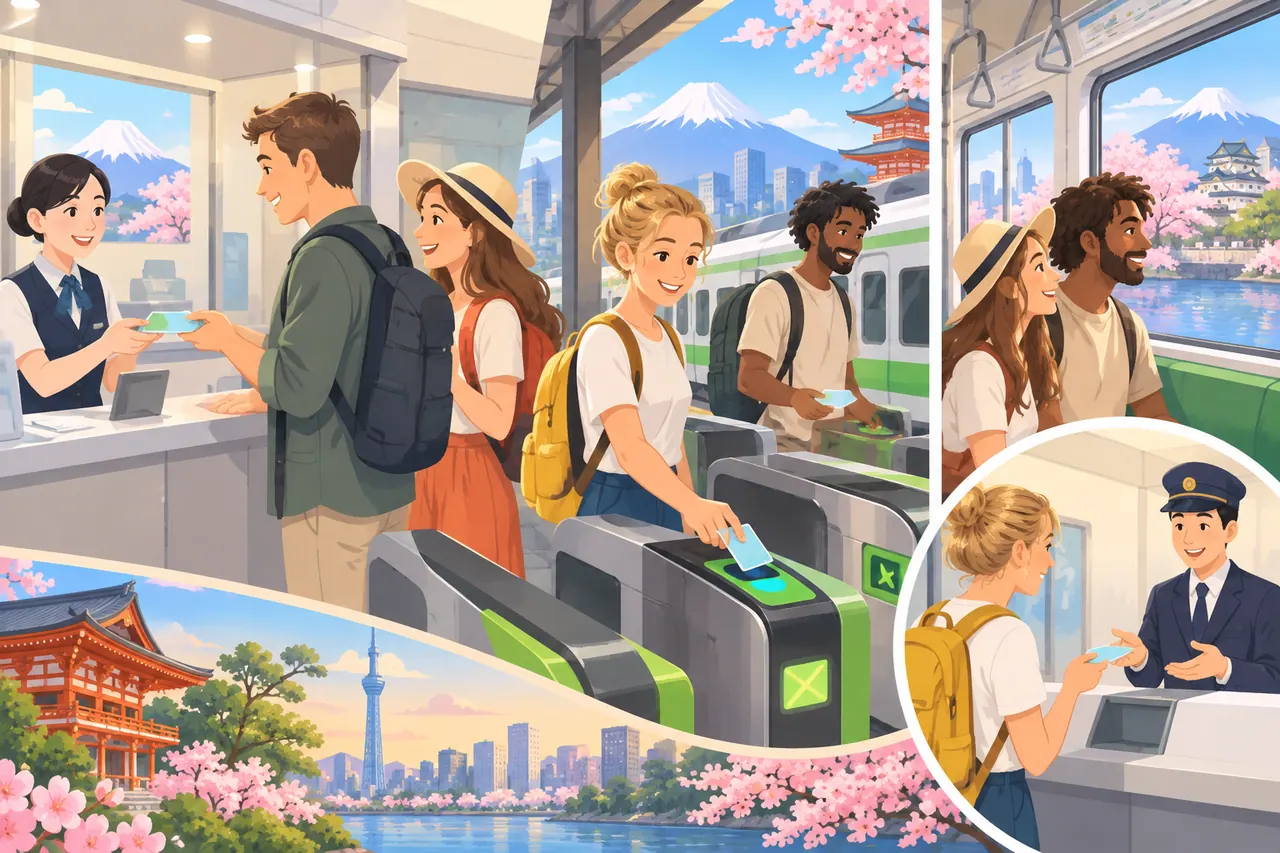
At a train station, tap your card or device on the reader when entering and again when leaving. The fare is calculated at the exit. Use the same card or device for both taps, and keep it separate from other IC cards in your wallet.
If the gate closes or shows an insufficient-balance message, use a fare-adjustment machine or ask staff for help. Useful phrases include:
- “Could you help me top up this IC card?”
- “I can’t get through the gate. Could you check my card?”
- “Where is the fare-adjustment machine?”
On buses, tap the reader as instructed by the operator. Boarding and payment procedures vary, so follow the signs near the door and driver.
Adding money
For a physical Welcome Suica or regular Suica, use Japanese yen cash at a compatible ticket or fare-adjustment machine. A credit card cannot be used to top up the physical Suica card. Regular Suica top-up amounts include ¥500, ¥1,000, ¥2,000, ¥3,000, ¥5,000 and ¥10,000, up to a ¥20,000 balance. (jreast.co.jp)
For TOURIST PASMO, insert the card into a station ticket machine and add cash. You can also ask about topping up at participating convenience stores. On a bus, PASMO says to tell the driver; bus top-ups use ¥1,000 notes. The station-machine balance limit is ¥20,000. (pasmo.co.jp)
Buying and topping up are different transactions. At Haneda, a traveler machine can accept a credit card for the initial TOURIST PASMO purchase, while a later station top-up is in cash.
Using the remaining balance
Look for IC payment acceptance at convenience stores, restaurants, vending machines and coin lockers. Tell the cashier you would like to pay by Suica, PASMO or IC card, then tap the reader when prompted.
For a tourist card, add smaller amounts toward the end of your stay. If the balance is too low for a final train journey, top up before passing through the exit gate. A small balance can also go toward a last convenience-store purchase where IC payment is accepted.
IC cards for regional and long-distance travel
Suica, PASMO and ICOCA work on many participating networks outside their home regions. A card bought in Tokyo can therefore be useful for local travel in Osaka or Kyoto. Look for the nationwide IC acceptance mark rather than buying a new card in every city.
There is an important distinction between using a card in several regions and making one continuous trip across IC service-area boundaries. JR East gives travel from the Tokyo metropolitan area to the Sendai area as an example requiring an advance ticket rather than one continuous IC-card journey. (jreast.co.jp)
For limited express trains and Green Cars, budget for the applicable supplement in addition to the basic fare. For Shinkansen travel, choose the relevant ticket or ticketless service rather than assuming an ordinary local-train tap covers the trip.
Shinkansen with Welcome Suica Mobile
JR East’s Touch de Go! Shinkansen guide describes eligible JR East routes where Welcome Suica Mobile can be used for non-reserved Shinkansen travel. The service has route and train restrictions; for example, some trains operate with reserved seats only. Use the guide to match the service to your stations and train before setting off. (jreast.co.jp)
Green Car tickets
On eligible local trains, Welcome Suica Mobile can buy a Suica Green Car ticket in addition to the ordinary fare:
- Open the app and select Buy a Ticket.
- Select Suica Green Car Ticket and enter your departure and arrival stations.
- Review the route and price, then select a payment method.
- Buy before boarding and follow the onboard tapping instructions.
The stored Suica balance cannot pay for this ticket, and the app permits one Green Car ticket user per device. An unused ticket refund carries a ¥220 processing fee. See JR East’s purchase instructions for route details. (jreast.co.jp)
How to get a Suica or ICOCA refund
Welcome Suica, TOURIST PASMO and Welcome Suica Mobile do not ordinarily refund an unwanted remaining balance. Physical regular Suica and ICOCA cards have a different process: return the card through the appropriate issuer and receive the deposit plus any refundable balance.
| Balance on a regular physical card | Balance returned after fee | Deposit returned | Total refund |
|---|---|---|---|
| ¥1,000 | ¥780 | ¥500 | ¥1,280 |
| ¥200 | ¥0 | ¥500 | ¥500 |
| ¥0 | ¥0 | ¥500 | ¥500 |
The standard calculation for an adult regular card is balance minus ¥220, plus the ¥500 deposit. If the balance is ¥220 or less, the deposit is returned without an additional payment from you. The card itself is surrendered. (jreast.co.jp)
Returning a JR East Suica
Take a JR East-issued Suica to an eligible JR East ticket office in the Suica area. JR East cannot refund cards issued by other companies, including Tokyo Monorail Suica and PASMO. A registered My Suica requires identification for a refund. Details are in the JR East refund guide. (jreast.co.jp)
If you are travelling onward from Tokyo to Kansai, decide whether to keep the card for future use or return it before leaving the JR East refund area. Its ability to pay for a local Osaka ride is separate from its refund location.
Returning ICOCA
Return a physical ICOCA at a JR West station in the ICOCA area. JR West does not process refunds between 00:50 and 05:00. Pink ticket machines handle unregistered ICOCA only and cannot process a refund of ¥10,000 or more; use an appropriate JR West counter or machine for other cases. (jr-odekake.net)
Mobile ICOCA and ICOCA in Apple Pay do not have a separate deposit to return. JR West explains the different cases in its ICOCA refund guide.
Japan IC card FAQ
Can I set up an IC card before arriving in Japan?
Yes. Welcome Suica Mobile can be issued and topped up before arrival where the service is available. If your location prevents issuance or charging, try again after arriving in Japan.
Does every traveller need their own card?
Plan on one card or mobile transit card per traveller. Each person needs to tap in and out for their own journey. Ask for a child’s card when appropriate and bring the child’s identification.
Can I use a Welcome Suica for a trip longer than 28 days?
The standard physical Welcome Suica expires after 28 days, including purchase day. Welcome Suica Mobile lasts 180 days. JR East also offers a long-term physical Welcome Suica, but sells it only in bulk rather than at individual travel service center counters. (jreast.co.jp)
What happens if I lose a tourist card?
A lost physical Welcome Suica or TOURIST PASMO cannot be reissued. If you still have the card but it stops working, take it to station staff and explain the problem. Keep the reference paper with you during your trip. (jreast.co.jp)
Can I use one card in Tokyo, Kyoto and Osaka?
Yes, on participating transport and at shops accepting interoperable IC cards. For each train journey, stay within the applicable IC service-area rules; buy a suitable ticket for journeys that cross a boundary.
Is an IC card enough for the Shinkansen?
Not as a general rule. Buy the appropriate Shinkansen ticket or use a ticketless service designed for your train. Welcome Suica Mobile’s Touch de Go! service is one option on eligible JR East routes.
References
- JR East: Welcome Suica purchasing and use
- JR East: Welcome Suica travel and shopping
- PASMO: TOURIST PASMO
- JR East: Regular Suica
- JR East: Welcome Suica Mobile
- JR East: Welcome Suica Mobile terms
- JR East: Welcome Suica Mobile compatible devices
- Apple: Transit cards on iPhone and Apple Watch in Japan
- JR East: Touch de Go! Shinkansen
- JR East: Suica Green Car ticket purchase
- JR East: Regular Suica refunds
- JR West: ICOCA purchase
- JR West: ICOCA guide and visitor design
- JR West: ICOCA refunds
- JR East: Long-term Welcome Suica
- Maps: Haneda Terminal 1·2, Haneda Terminal 3 Keikyu information center, Narita Keisei information centers, JR EAST Travel Service Centers, JAPAN RAIL CAFÉ TOKYO, TAKANAWA GATEWAY Travel Service Center
Prices and rules checked November 7, 2026; check issuer sales locations and service information before travelling.


